

IPTV on Google TV: Setup Guide for Google TV Streamer & Chromecast (2027)
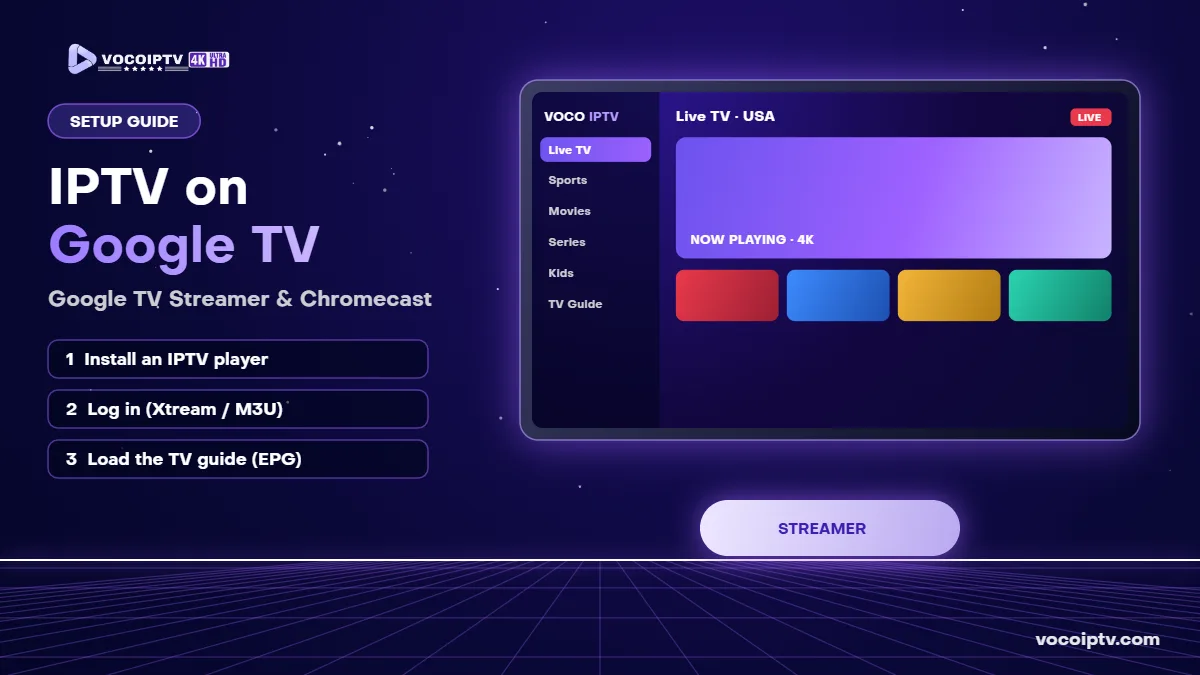
To watch IPTV on Google TV, install an IPTV player app from the Google Play Store on your Google TV device, log in with the Xtream Codes details or M3U link from your IPTV provider, and load the TV guide (EPG). This works on the Google TV Streamer, the older Chromecast with Google TV and Smart TVs that run Google TV.
Prepared for 2027. Information checked on November 22, 2026. Services, prices and apps change; check the provider’s current details.
Which Google TV Devices Work for IPTV?
- Google TV Streamer: Google’s current streaming box, with more storage and memory than the old Chromecast and a built-in Ethernet port.
- Chromecast with Google TV (4K and HD): discontinued in 2024 and replaced by the Google TV Streamer, but existing devices still receive updates and work well for IPTV.
- Smart TVs with Google TV: many recent TVs from brands such as Sony, TCL and Hisense run Google TV and can install the same apps.
Google TV is Google’s interface built on Android TV OS, so most IPTV players made for Android TV also run on Google TV.
How to Set Up IPTV on Google TV (Step by Step)
- Connect and update: connect the device to your TV and internet, then install any system updates.
- Install an IPTV player: open the Google Play Store and search for an IPTV player such as TiviMate or IPTV Smarters Pro. Compare options in our best IPTV player apps guide.
- Log in: open the player and add your account with the Xtream Codes login (server URL, username and password) or the M3U link from your provider.
- Load the TV guide: add or refresh the EPG so you see what is on now and next; see the IPTV EPG guide.
- Test a live channel and a movie to check picture quality and loading time.
If Your IPTV App Is Not in the Play Store
Some players are not listed in the Play Store on TV devices. Only install apps from sources you trust. On most Google TV devices you can:
- Go to Settings > System > About and select Android TV OS build several times until developer mode is turned on.
- Install the Downloader app from the Play Store.
- Go to Settings > Apps > Security & restrictions > Unknown sources and allow Downloader.
- Open Downloader, enter the official download link of your player and install it.
Tips for Smooth IPTV on Google TV
- Use Ethernet: the Google TV Streamer has an Ethernet port; the Chromecast with Google TV needs a USB-C Ethernet adapter.
- Check your speed: see internet speed for IPTV.
- Clear the player’s cache if channels load slowly, and keep the app updated.
- If streams freeze, follow how to fix IPTV buffering.
Test VOCO IPTV on Google TV
Request a 24-hour free trial on WhatsApp, add the login to your player and check the channels on your own Google TV device before you choose a plan. For setup on other devices, see the IPTV installation guide.
Frequently Asked Questions
Does Google TV support IPTV?
Yes. Google TV runs Android TV OS, so you can install an IPTV player app from the Play Store and log in with your IPTV subscription.
What is the best IPTV app for Google TV?
TiviMate and IPTV Smarters Pro are popular choices on Google TV. Both work with Xtream Codes logins or M3U links.
Can I still use a Chromecast with Google TV for IPTV?
Yes. The Chromecast with Google TV was discontinued in 2024, but existing devices still get updates and can run IPTV player apps.
Is Google TV the same as Android TV?
Google TV is Google’s interface built on Android TV OS. Apps made for Android TV, including most IPTV players, usually work on Google TV.
Can I use Ethernet with a Chromecast with Google TV?
Yes, with a USB-C Ethernet adapter. The Google TV Streamer has a built-in Ethernet port.
