

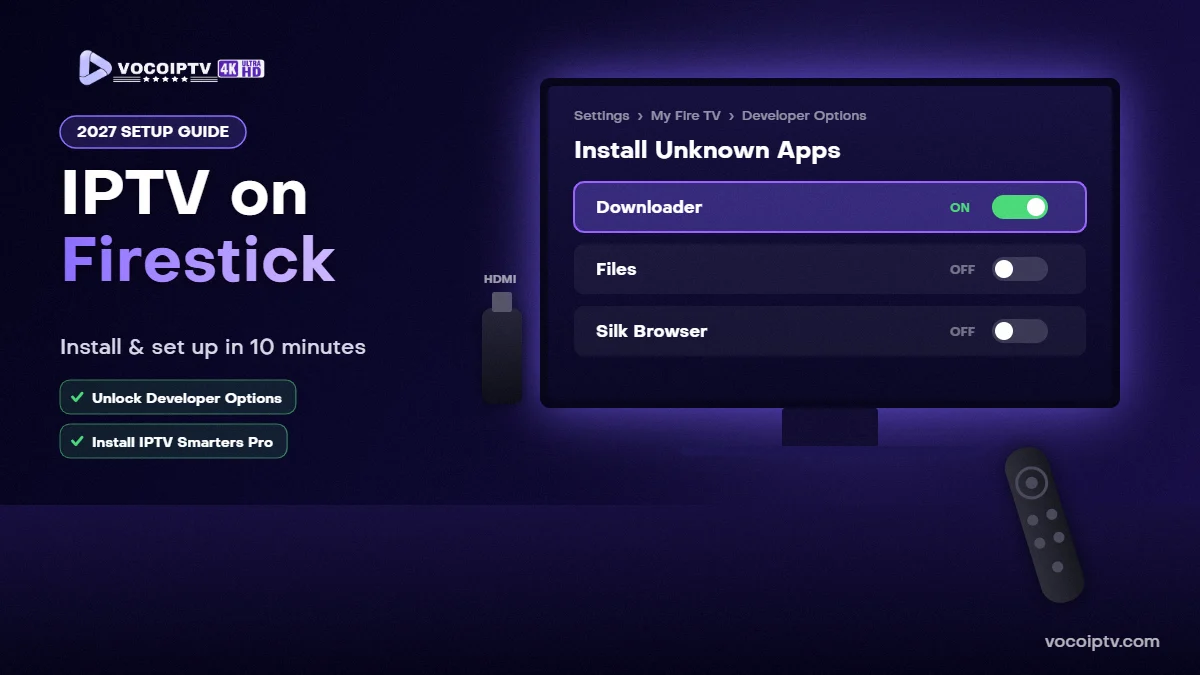
IPTV on Firestick (USA 2027): How to Install and Set Up IPTV in 10 Minutes
QUICK ANSWER
To get IPTV on a Firestick in the USA: (1) enable Install Unknown Apps for the Downloader app in Developer Options, (2) install an IPTV player such as IPTV Smarters Pro, (3) choose Login with Xtream Codes API and enter the server URL, username and password from your IPTV subscription. The whole setup takes about 10 minutes. You can test it first with a free 24-hour IPTV trial.
The Amazon Fire TV Stick is one of the most popular ways to watch IPTV in the USA: it is affordable, plugs into any TV with HDMI and runs the best IPTV player apps. This guide shows you exactly how to set up IPTV on a Firestick in 2027, which app to use and how to fix common problems.
What You Need Before You Start
- A Fire TV Stick, Fire TV Stick 4K, 4K Max or Fire TV Cube connected to the internet.
- An IPTV subscription or a free trial, with your login details (Xtream Codes or M3U link).
- About 10 minutes and your Fire TV remote.
Good to know: some of the newest Fire TV models only allow apps from the Amazon Appstore. If Developer Options or Install Unknown Apps do not exist on your device, use another device such as an Android TV box, a Smart TV or an Apple TV with our IPTV installation guide.
Step 1: Unlock Developer Options on Your Firestick
- From the Fire TV home screen, open Settings.
- Select My Fire TV, then About.
- Highlight your device name (for example “Fire TV Stick 4K”) and press the select button on your remote about 7 times.
- A message confirms that you are now a developer. Go back one screen: Developer Options now appears.
Step 2: Install the Downloader App
- Go to the Fire TV home screen and open Find / Search.
- Search for Downloader and install it from the Amazon Appstore.
- Go to Settings → My Fire TV → Developer Options → Install Unknown Apps.
- Select Downloader and turn it On. Only this app gets permission to install other apps.
Step 3: Install an IPTV Player App
Open Downloader and install the IPTV player from its official website. We recommend IPTV Smarters Pro for most Firestick users because it is free and uses a simple username-and-password login. If you prefer MAC address activation, IBO Player Pro also works on Fire TV. Not sure which link to use? Message us on WhatsApp and our support team will send you the right one for your device.
After installing, delete the downloaded installation file in Downloader to free up storage, and you can turn Install Unknown Apps back off.
Step 4: Log In and Start Watching
- Open IPTV Smarters Pro and select Add User.
- Choose Login with Xtream Codes API.
- Enter any name (for example VOCO IPTV), then the username, password and server URL we sent you.
- Select Add User. Your live TV channels, movies and series load in a few seconds.
Using IBO Player Pro instead? Open the app, note the MAC address and Device Key on screen, and send them to us on WhatsApp so we can add your playlist. Full steps are in our IBO Player Pro guide.
Tips for Smooth IPTV on a Firestick
- Internet speed: we recommend at least 12 Mbps on the Fire TV for HD. Run a speed test on the stick itself.
- Wi-Fi: keep the router close, use the 5 GHz band, or add an Ethernet adapter.
- Restart regularly: unplug the Firestick for 30 seconds if menus become slow.
- Clear the app cache: Settings → Applications → Manage Installed Applications → your IPTV app → Clear cache.
- Close background apps: other streaming apps running in the background can use memory.
Common Firestick IPTV Problems and Fixes
“Login failed” or “Invalid username or password”
Check the server URL, username and password character by character. They are case-sensitive and must not contain spaces.
Channels buffer or freeze
Restart your Firestick and router, check your speed and move closer to the router. Buffering is almost always caused by the local connection.
Install Unknown Apps is missing
Unlock Developer Options first (Step 1). If the option still does not exist, your model only supports Appstore apps.
VOCO IPTV Plans for Firestick Users in 2027
All VOCO IPTV plans work on Fire TV devices. Prices for one connection:
- 1 month: $10.99
- 3 months: $23.99 (about $8.00 per month)
- 6 months: $39.99 (about $6.67 per month)
- 12 months: $57.99 (about $4.83 per month)
Need several screens? See our 2-connection and 3-connection plans. We accept Visa, Mastercard, PayPal and crypto (USDT). Compare all IPTV subscription plans.
Frequently Asked Questions
Can you put IPTV on a Firestick?
Yes. Install an IPTV player app on your Fire TV Stick, then sign in with the login details from your IPTV provider. Most Fire TV models can install IPTV players, but some newer models only allow apps from the Amazon Appstore.
What is the best IPTV app for Firestick?
IPTV Smarters Pro is a popular free choice that works with an Xtream Codes login (server URL, username and password). IBO Player Pro is another option that uses MAC address activation.
Do I need to jailbreak my Firestick for IPTV?
No. You do not need to modify your device. You only allow one trusted app, such as Downloader, to install the IPTV player, and you can turn that permission off again afterwards.
Why can’t I find Developer Options on my Fire TV?
On newer Fire OS versions it is hidden. Go to Settings, My Fire TV, About, then select your device name about 7 times until a message confirms that Developer Options are enabled.
Will IPTV buffer on a Firestick?
It depends mainly on your internet. For smooth HD streaming we recommend at least 12 Mbps on the Fire TV, a strong Wi-Fi signal or an Ethernet adapter, and restarting the stick if it has been on for a long time.
How do I test IPTV on my Firestick before paying?
Request a free 24-hour VOCO IPTV trial on WhatsApp, install the player, enter the trial login details and test your favorite channels on your own TV and internet.
Try IPTV on Your Firestick Today
The easiest way to know if IPTV works well on your Fire TV is to test it. Request your free 24-hour trial, follow the steps above and, when you are happy, choose a plan from $10.99 per month.
