

Internet Speed for IPTV: How Much Do You Need? (2027)
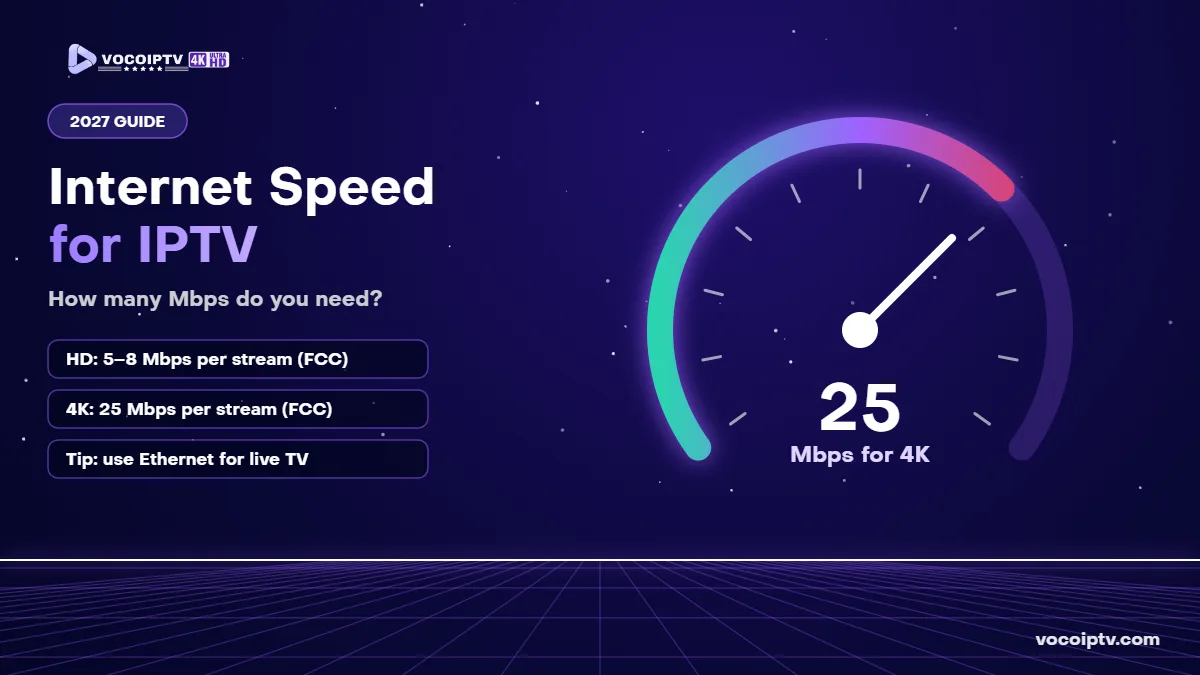
For one IPTV stream, plan on at least 5–8 Mbps for HD and 25 Mbps for 4K, the FCC’s guideline speeds for HD and 4K streaming. Multiply by the number of screens watching at the same time and keep extra headroom for other devices. A stable connection matters as much as speed: Ethernet beats Wi-Fi for live TV.
Prepared for 2027. Information checked on November 22, 2026. Services, prices and apps change; check the provider’s current details.
Recommended Internet Speed for IPTV
| Video quality | FCC guideline (minimum download) | Netflix recommendation |
|---|---|---|
| HD 720p | 5–8 Mbps | 3 Mbps or higher |
| Full HD 1080p | 5 Mbps or higher | |
| 4K Ultra HD | 25 Mbps | 15 Mbps or higher |
These figures are guidelines for one stream at a time. Live IPTV channels can need a little more than on-demand video because they cannot buffer far ahead, so aim above the minimum.
How Many Mbps for 2 or 3 Screens?
Add the speed of every stream that plays at the same time, then add headroom for phones, computers and other devices on your network.
| Screens watching at once | All HD (8 Mbps each) | All 4K (25 Mbps each) |
|---|---|---|
| 1 | 8 Mbps | 25 Mbps |
| 2 | 16 Mbps | 50 Mbps |
| 3 | 24 Mbps | 75 Mbps |
Each screen also needs its own IPTV connection; see IPTV connections explained and the 2-connection plans.
Speed vs Stability: Why IPTV Can Buffer on Fast Internet
- Wi-Fi interference: walls, distance and neighbours’ networks lower the real speed at the TV.
- Peak-time congestion: evenings are the busiest time for home internet.
- Other devices: downloads, game updates and video calls share the same connection.
- Old devices: slow streaming sticks and boxes can struggle with 4K.
For step-by-step fixes, see how to fix IPTV buffering.
How to Test Your Internet Speed for IPTV
- Run the test on the device you watch on (TV, Firestick or box), not only on your phone.
- Use a speed test app or website, such as Fast.com, on that device.
- Test in the evening, when most people are online.
- Compare Wi-Fi with a wired Ethernet connection if you can.
How to Improve Your Connection for IPTV
- Connect the main TV or box with an Ethernet cable.
- On Wi-Fi, use the 5 GHz band and keep the router close to the TV or add a mesh point.
- Restart your router and streaming device if speed drops.
- Pause large downloads while watching live TV.
- Choose the HD version of a channel if 4K keeps buffering.
Frequently Asked Questions
Is 10 Mbps enough for IPTV?
Yes for one HD stream, since the FCC lists 5–8 Mbps for HD streaming. It is not enough for 4K or for several screens at the same time.
Is 25 Mbps enough for 4K IPTV?
It covers one 4K stream at the FCC guideline speed, but leaves little room for other devices. For 4K plus other internet use, aim higher.
Does IPTV need upload speed?
IPTV mainly uses download speed. Upload speed matters little for watching, as long as your connection is stable.
Why does IPTV buffer when my internet is fast?
Usually because of Wi-Fi interference, peak-time congestion or other devices using the connection. Ethernet and a restart of the router often help.
Is Wi-Fi or Ethernet better for IPTV?
Ethernet is better for live TV because it is more stable. Use 5 GHz Wi-Fi if a cable is not possible.
