

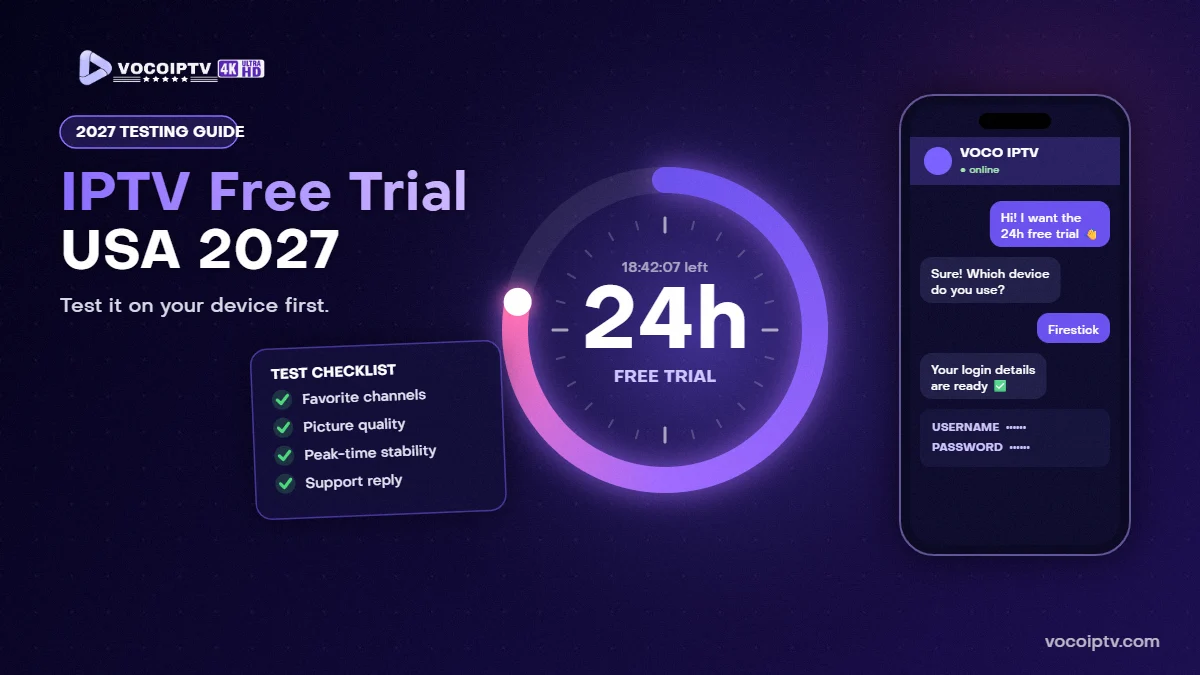
IPTV Free Trial USA 2027: How to Test Before You Subscribe
Before you pay for any IPTV subscription, you should see how it performs on your TV, your device and your internet connection. That is exactly what an IPTV free trial is for. This guide shows you how to get an IPTV free trial in the USA in 2027, what to test during those hours, and how to decide which plan to choose afterwards.
What Is an IPTV Free Trial?
An IPTV free trial is short, temporary access to an IPTV service so you can test it before you subscribe. With VOCO IPTV, the trial lasts 24 hours, you request it on WhatsApp and you do not need a credit card. You get the same type of login details as a paying customer, so what you see during the trial is a real preview of the IPTV service.
Why You Should Always Test IPTV Before You Subscribe
Every home is different. The same IPTV service can look perfect on a fast fiber connection and buffer on a weak Wi-Fi signal two rooms away from the router. A free trial helps you:
- Check that the channels you actually watch are included and load quickly.
- See the real stream quality on your own internet in the USA.
- Make sure the IPTV app works well on your device and with your remote.
- Test how fast and helpful customer support is before you pay.
- Choose the right IPTV subscription length with confidence.
How to Get Your IPTV Free Trial in the USA (Step by Step)
Step 1: Request the trial
Go to our IPTV free trial page, enter your name and choose your device. WhatsApp opens with your request ready to send. No payment details are needed.
Step 2: Install an IPTV player app
While you wait for your details, install a player on your device. We recommend IPTV Smarters Pro (login with username and password) or IBO Player Pro (MAC address activation). Our IPTV installation guide has the steps for Fire TV, Android TV, Samsung and LG Smart TVs, Apple devices, PC, Mac and MAG boxes.
Step 3: Enter your trial login details
Our team replies on WhatsApp with your trial details for the device you selected: Xtream Codes details (server URL, username and password), an M3U link, or MAC activation for apps like IBO Player Pro. Enter them in the app exactly as you received them.
Step 4: Start your 24-hour test
Your channels, movies and series load in the app. The 24 hours start now, so plan your test for a time when you can actually watch, ideally including an evening.
Your IPTV Free Trial Checklist: What to Test in 24 Hours
Use this checklist so you do not miss anything important:
- Your favorite channels: search for the 5–10 channels you watch most and open each one.
- Channel switching speed: change channels several times and see how quickly they start.
- Peak-time stability: watch during the evening or a live sports event, when networks are busiest.
- Picture quality: compare HD, UHD and 4K versions where available.
- Movies and series: start a movie, pause it, skip forward and check that it resumes smoothly.
- TV guide (EPG): check that program information appears for your main channels.
- Every device you plan to use: if the family will watch on a Smart TV and a phone, try both.
- Support: send a question on WhatsApp and see how clearly the team answers.
How to Get the Best Results During Your Trial
- Check your speed: we recommend at least 12 Mbps on the device you use for smooth HD streaming.
- Use a cable if you can: an Ethernet connection is usually more stable than Wi-Fi.
- Restart before you start: restart your streaming device and router for a clean test.
- Close other heavy apps: large downloads or other streams on the same network can slow things down.
- Try another server location on your VPN: if you use a VPN, compare results with and without it.
What Happens When the 24-Hour Trial Ends?
Your trial access stops automatically. There is nothing to cancel and nothing is charged. If you liked the IPTV service, you choose a plan and we activate it after payment. Here are the current VOCO IPTV prices for one connection in 2027:
- 1 month: $10.99
- 3 months: $23.99 (about $8.00 per month)
- 6 months: $39.99 (about $6.67 per month)
- 12 months: $57.99 (about $4.83 per month)
If several people watch at the same time, look at our 2-connection and 3-connection plans. You can compare everything on the IPTV subscription plans page.
Common IPTV Trial Problems and Quick Fixes
“Login failed” or “Invalid credentials”
Check the server URL, username and password character by character. They are case-sensitive and must not contain extra spaces.
Channels buffer or freeze
Test your internet speed on the device, restart your router and try a wired connection. Buffering during a trial is almost always related to the local connection.
The app looks different from the guide
App menus change between versions. Look for options named Xtream Codes, M3U playlist or Add playlist, or message us on WhatsApp and we will guide you.
Frequently Asked Questions
Is the IPTV free trial really free?
Yes. The VOCO IPTV trial is free and no credit card is needed. Some player apps, like IBO Player Pro, have their own app fee after their app trial, which is paid to the app developer, not to VOCO IPTV.
How long is the IPTV free trial?
24 hours from the moment your trial is activated.
Can I test the free trial on a Firestick or Smart TV?
Yes. You can test on Fire TV, Android TV, Samsung and LG Smart TVs, Apple devices, Android phones, PC, Mac and MAG boxes.
Is the IPTV free trial available in the USA?
Yes, the trial is available for viewers in the USA, so you can test stream quality on your own connection.
Ready to Test VOCO IPTV?
The best way to choose an IPTV subscription is to try it yourself. Request your 24-hour IPTV free trial, follow the installation guide for your device, and when you are happy, pick a plan starting at $10.99 per month. Questions? Contact VOCO IPTV support.
